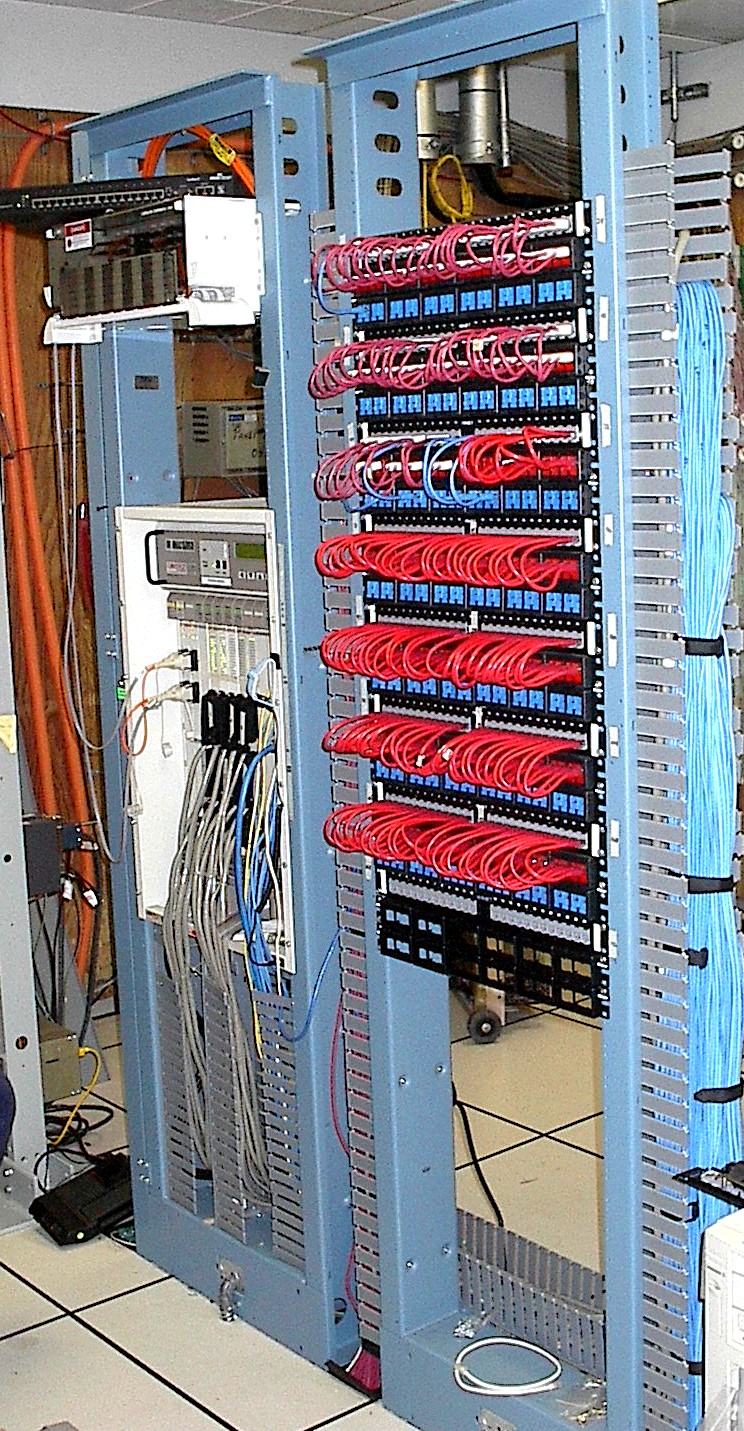
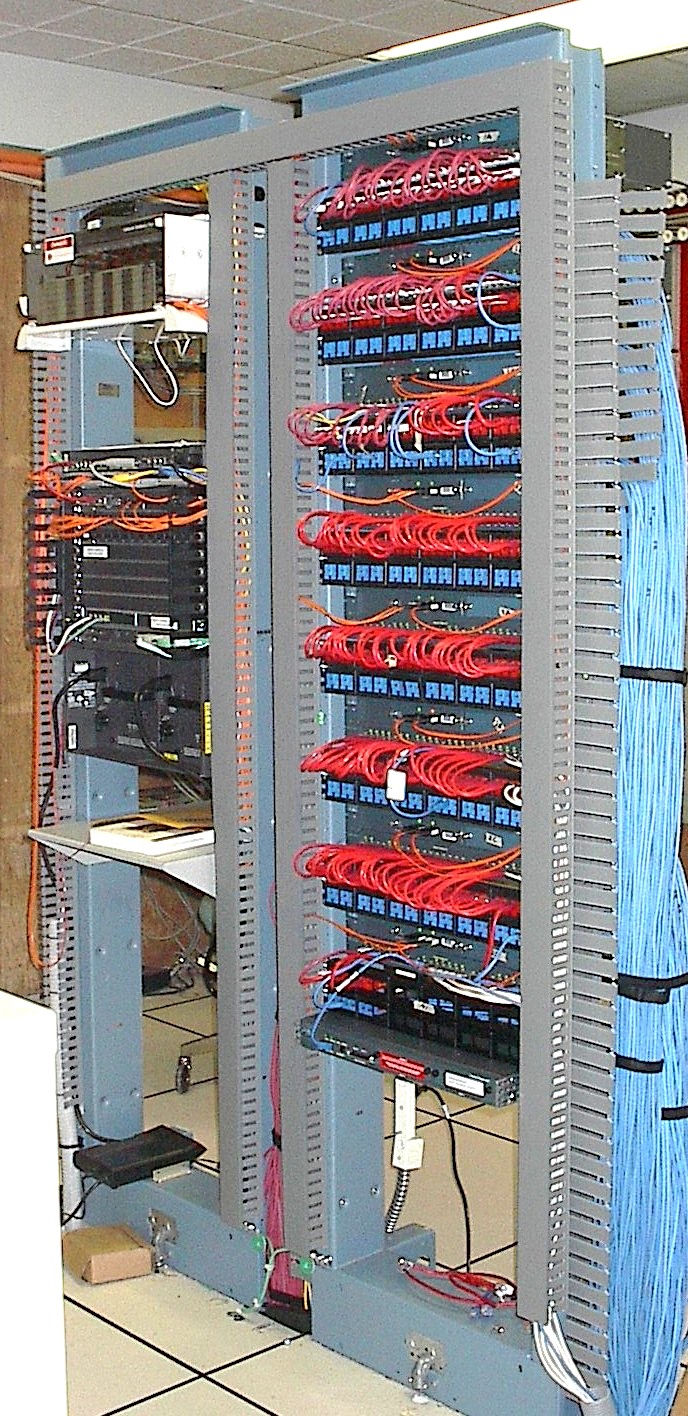
 We start in the '41 building, 1st floor. The old LAN has the Cabletron MMAC+ with it's cat-3 25-pair cables connecting the 10baseT ports on the hub to patch jacks in the patch bay. This was replaced by Cisco 2924 10/100 switches. Since the switches are 2RU in height the jacks had to be spread apart to allow the switches to replace the 1RU high jack panels.
The switching is now in the same rack as the jacks to the workstations, which completely freed up the rack that had held the Cabletron switch. This allowed placing the new Cisco 5509 router in that rack which completely emptied the two racks (not shown) to the left of teh Cabletron that held the older routers and and T1 DSU/CSUs. On the new Ciscos the rack mounted external DSU/CSUs (modems) are replaced by a plug-in card.
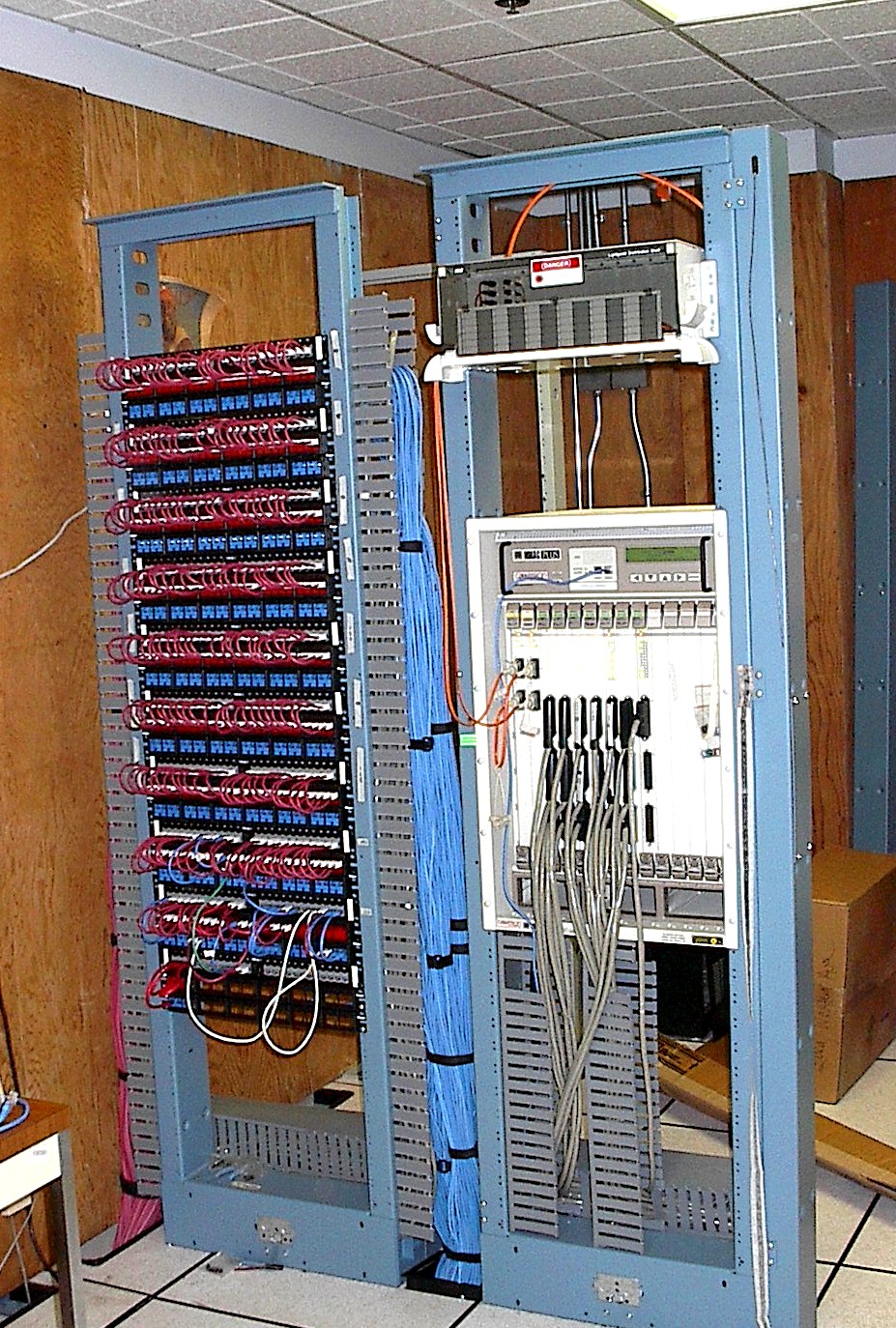
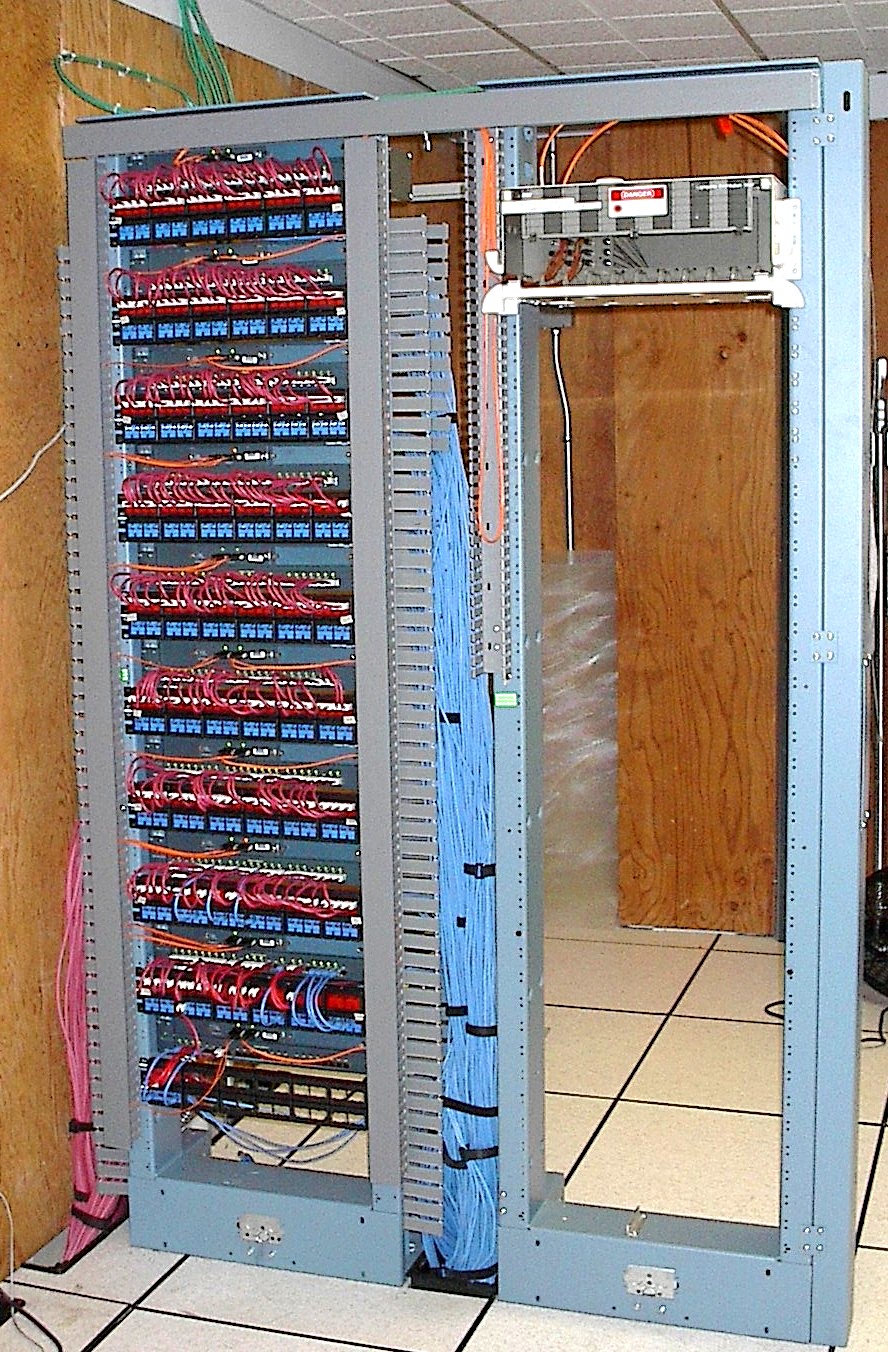 Moving up to the second floor we again spread the jackfield apart so as to replace the jackpanels connecting to the Cabletron with Cisco switches. This completely clears the right hand rack except for the fiber patch panel.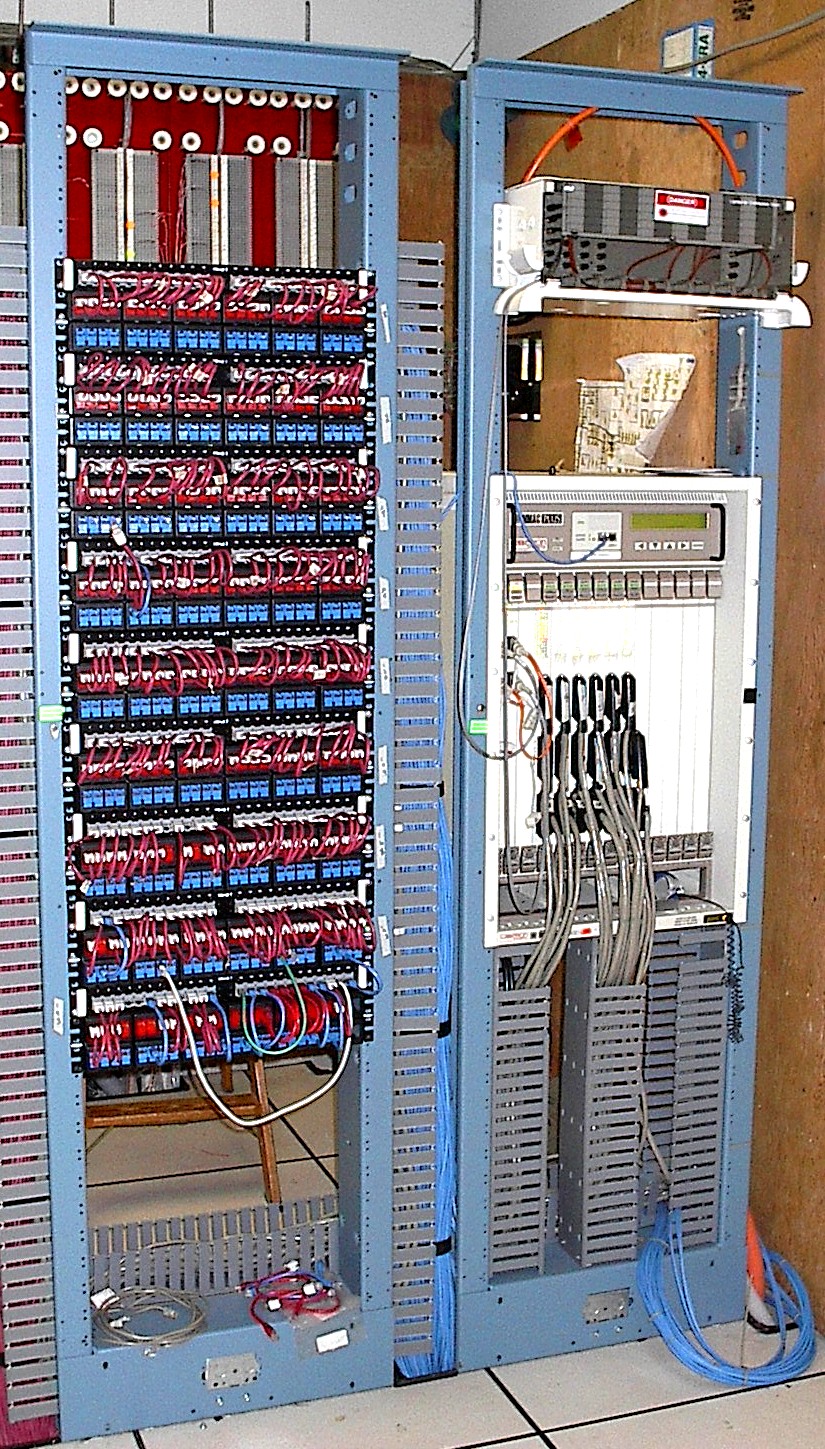
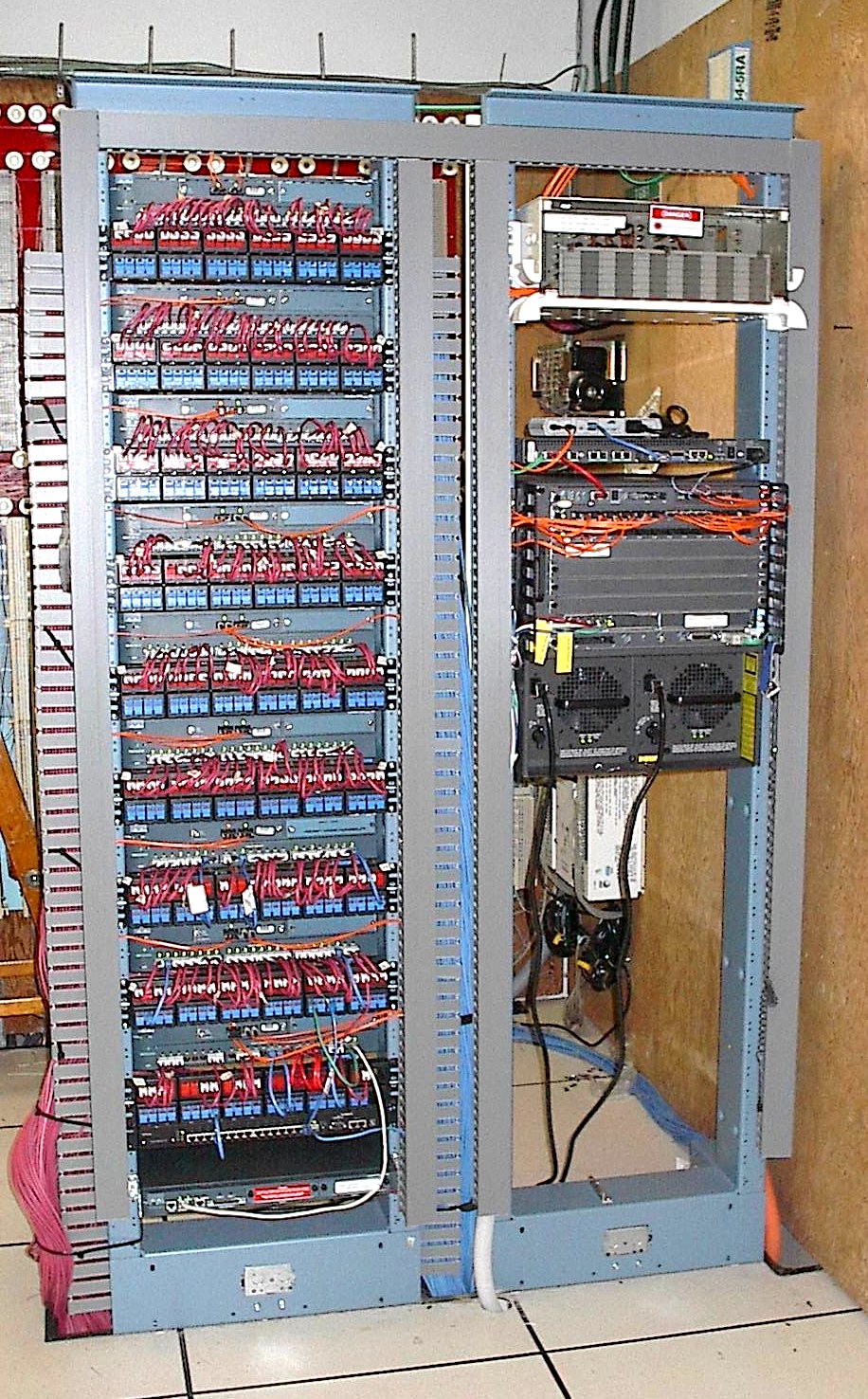 Moving next door to the '81 building, first floor, we have a clone of the '41 building. Each building has a separate power feed, separate cables from the BBox, each building has it's own three T1 carriers. Each group of four switches has it's own sets of fibers to both routers. Multiple redundency should give us the 99.9% uptime my customers deserve.
Again, not shown, was a single rack facing this pair that held the old router and modems. Gone, the rack empty except for the T1 patch facilities.
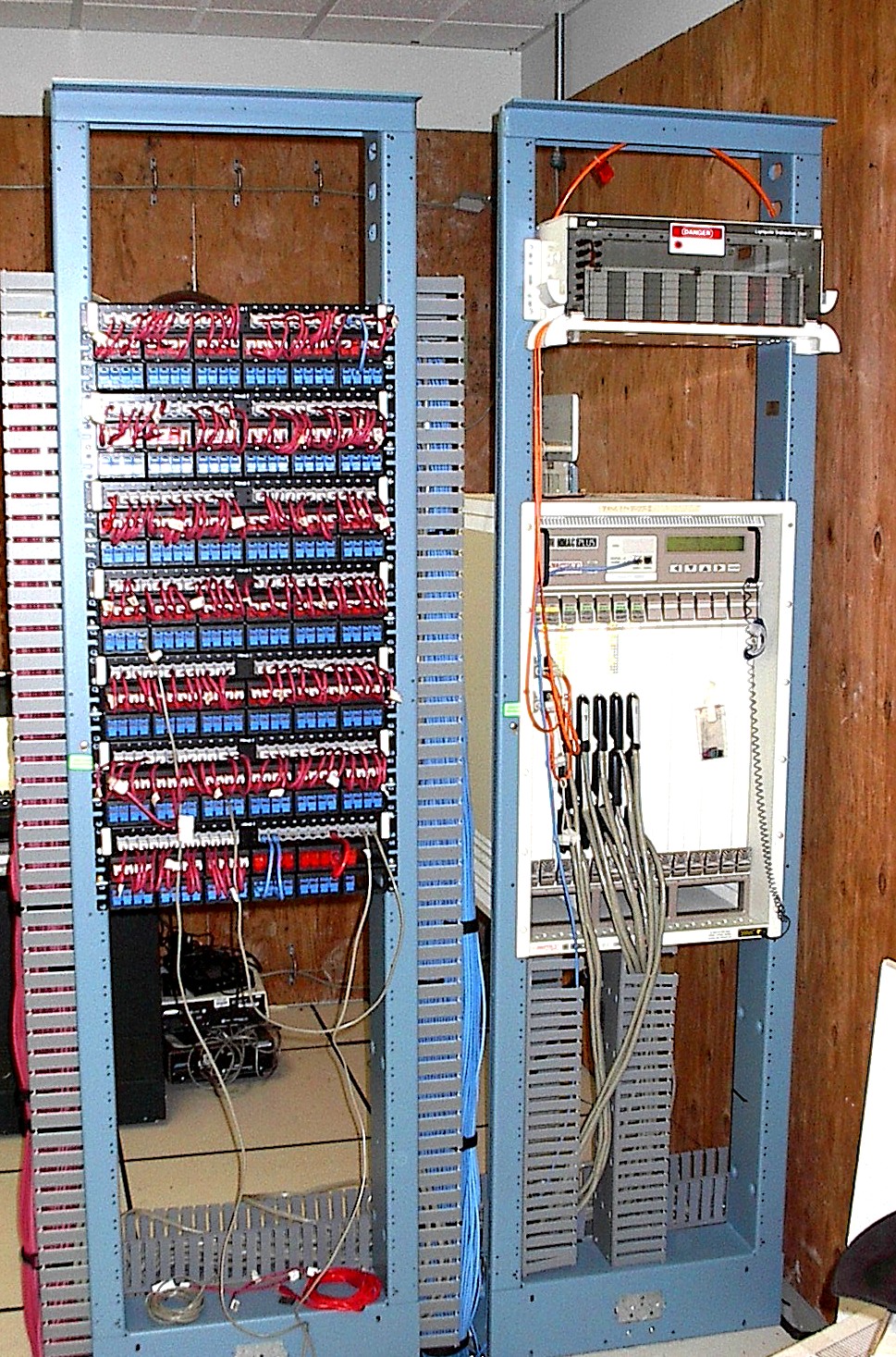
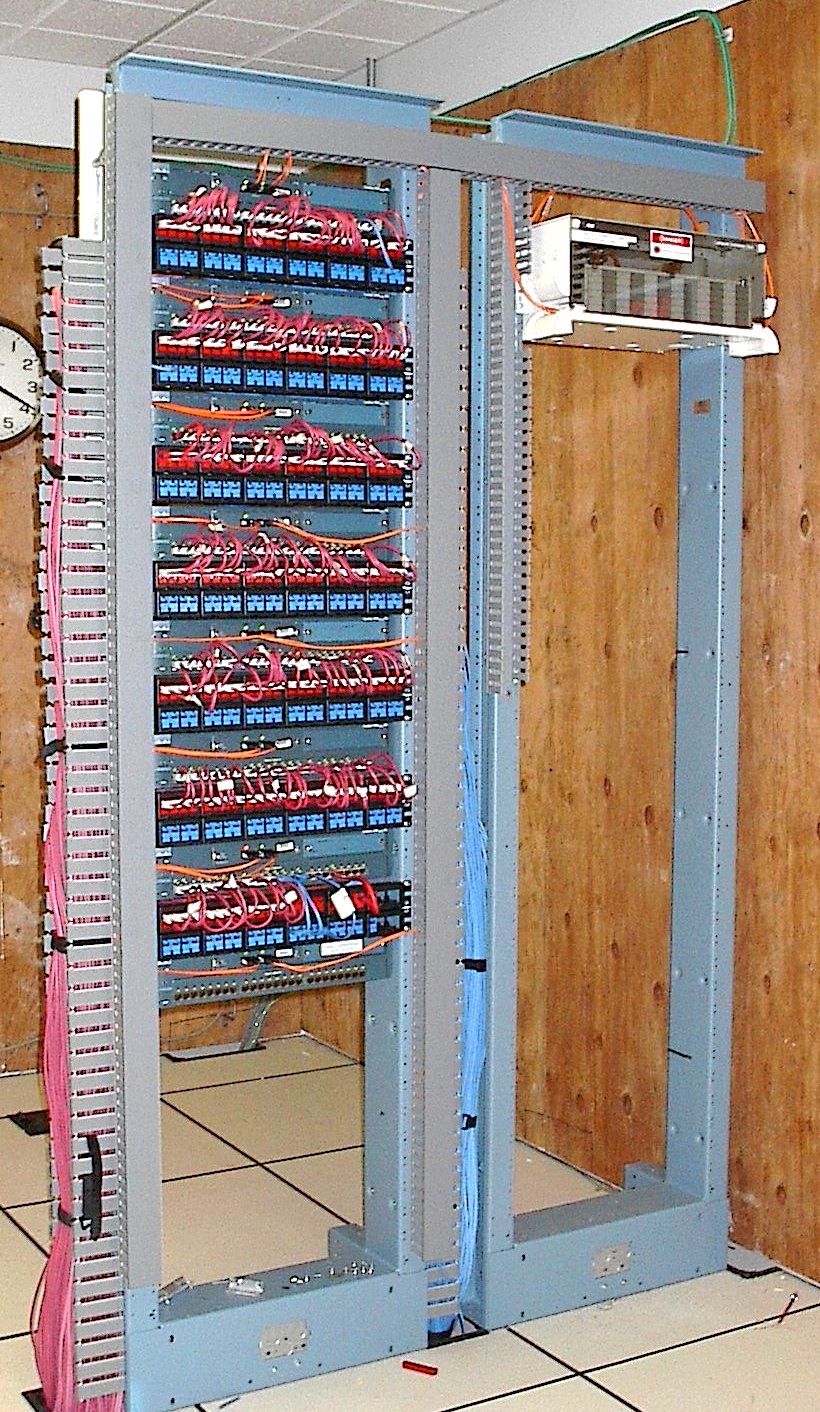 Finally, on the second floor, we again cleared out the rack with the huge Cabletron hub in favor of the switches mounted inbetween the patch jacks.
It makes for a simplier, neater LAN room. Neatness counts -- especially when you are trying to troubleshoot a connection. We maintain the equipment we install. We do it right because we are the ones who will have to fix it when it breaks. And it always breaks.