
Lowering a Cabletron MMAC+ to make room for a Cisco
5509 router.
May 7th, 2002
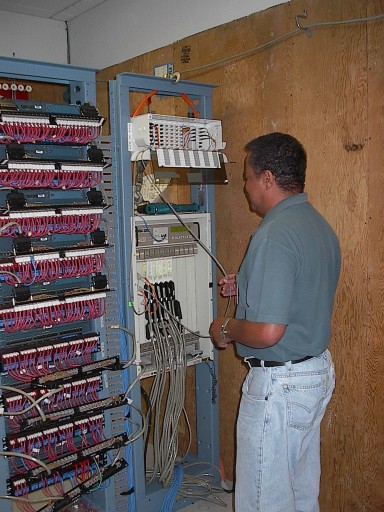
Step One: Replace 1 meter gray fiber jumper with a 2 meter orange
fiber jumper.
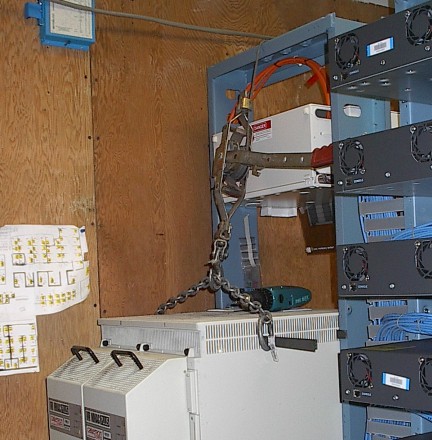
Step Two: Insert 1/8" x 3/4" steel bars through the cooling
slots. One near the cable rack to stop the unit from falling forward
out of the rack, the other slightly rear of center to provide a lift point.
Slip a chain through the lifting bar. Attach a come-along from the
chain to the top of the rack.
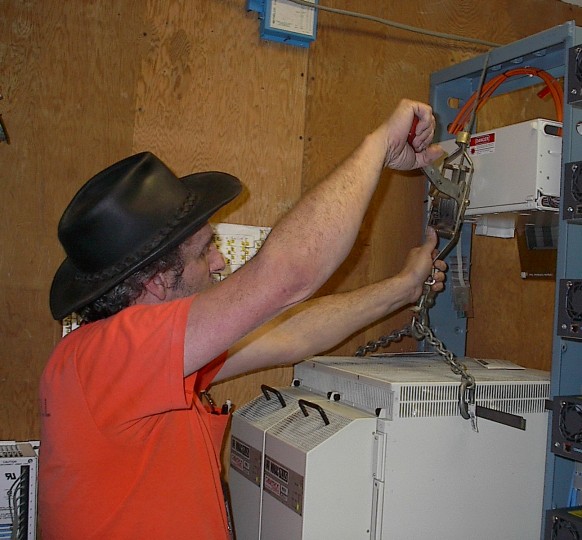
Step Three: Take up the slack, taking the weight of the unit
on the come-along. Helper removes the screws holding the unit in
the rack. Pull the handle and thumb the catch to allow the unit to
be slowly and gently lowered.
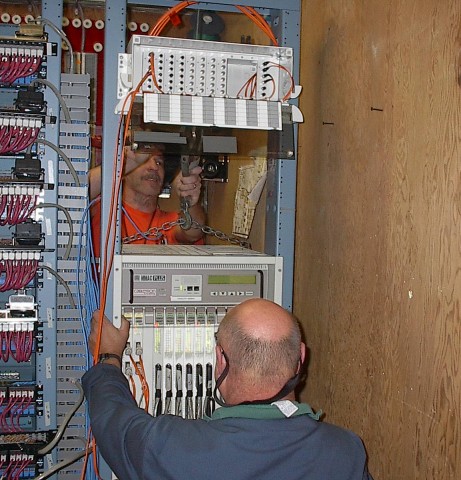
Step Four: Slowly lower the unit to it new position, helper
watches that cables slide down and back as the unit lowers.
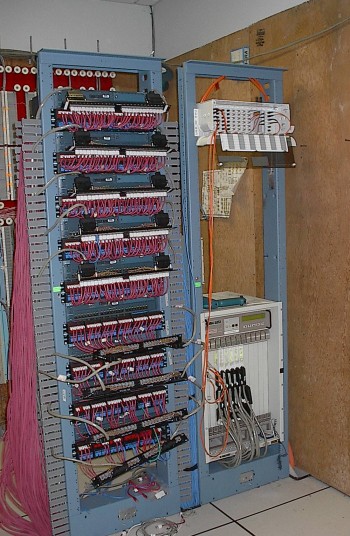
Done! The Cabletron MMAC+ has been lowered to allow the mounting
of a Cisco 5509 and Cisco 2509 for the LAN upgrade. As you can see,
the cables and patch panels from the Cabletron have been un-mounted from
the rack and swung forward to make room for the Cisco 2924 Switches, which
are already mounted.
Once the router and new T-carriers are in and connected to the switches
we will have two separate LANs co-existing. Workstations may be cut-over
one or a few at a time. Once all the workstations have been cut-over
then the Cabletron may be powered down and removed.
June 21st.
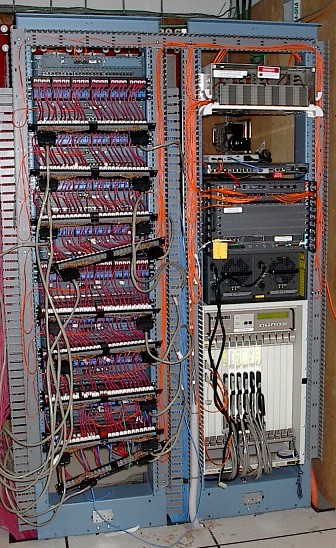
The new Ciscos are in and powered up and connected to their multiple DS1 circuits.